


Sometimes you have a photo that you’d like to improve. The quality isn’t exceptional and you’d like to improve it and, above all, enlarge it without any loss of quality, but even with a gain in quality. It’s not very complicated: while some solutions are not free of charge, others are quite expensive. This is the case of the tool we’re going to talk about in this article, because old or pixelated photos can be enhanced and their quality improved thanks to artificial intelligence tools. You certainly have that old photo of yourself lying around in your drawer, which you’ve scanned, but whose quality doesn’t satisfy you. Don’t worry, there’s a handy, free tool that can improve all that!
Enlarge an image with DepositPhotos
If you know DepositPhotos as an image and video bank, it’s not just a tool for uploading images and videos. In fact, the platform offers a number of other services, including how to easily create a logo, remove the background from an image or even improve the quality of a photo by enlarging it. To do this, however, the image must have certain characteristics. Indeed, the tool won’t generate an ultra-high-resolution 4K image from a quick snapshot from the 1950s, which seems normal. However, the platform is quite flexible when it comes to the characteristics of the photo to be enlarged, which must be less than 15 MB in size, certainly for server work reasons.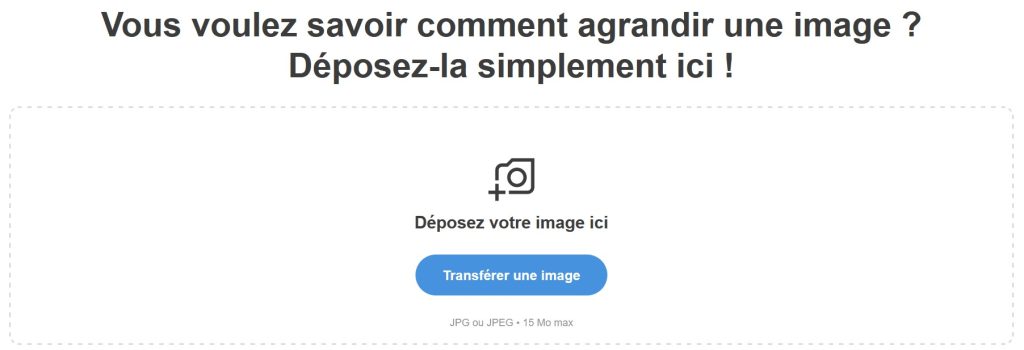 The image size is thus multiplied by 4, doubled in width and doubled in height, quite simply. The quality is just as sharp, if not better, than that of the original photo. The tool is available via this link: en.depositphotos.com/upscaler.htmlWe tested it with a few photos, and while the quality gain wasn’t always obvious, we didn’t notice any loss of quality, which is a huge advantage.
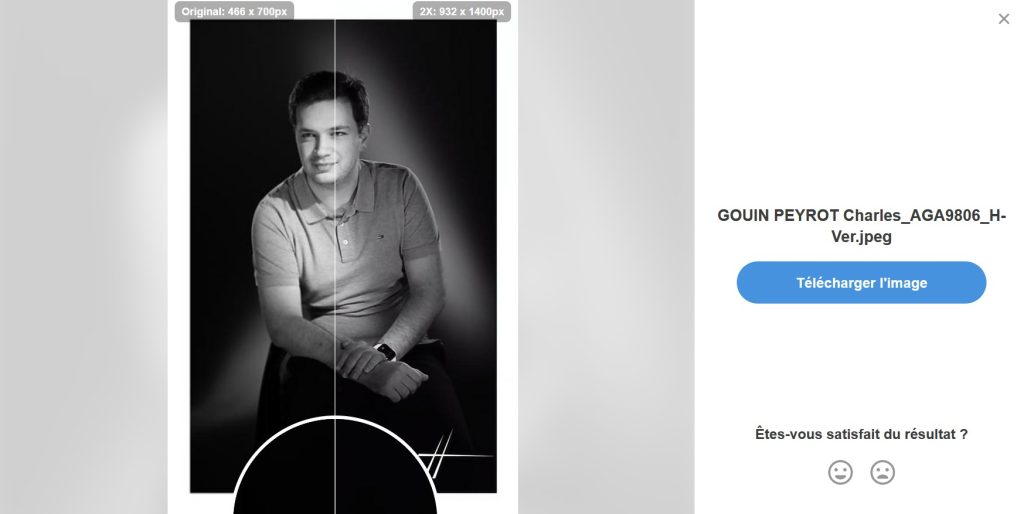 Indeed, you can enlarge photos without this tool, but with Photoshop or other tools of this type, the image quality will be greatly degraded, here, no.
A free tool
The great thing about this Upscaler tool by DepositPhotos is that it’s totally free. In fact, the platform only charges for the purchase of images and videos, but does not charge for its photo enlargement tool, which is a small plus. While other tools charge, this one does not, and the quality is just as good as that of other tools that do charge.